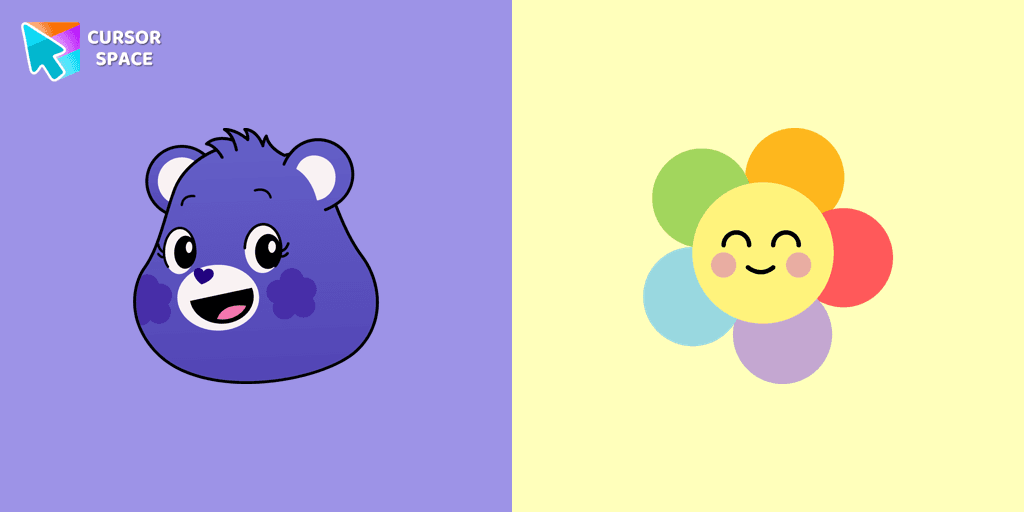
Harmony Bear Cursor

Description

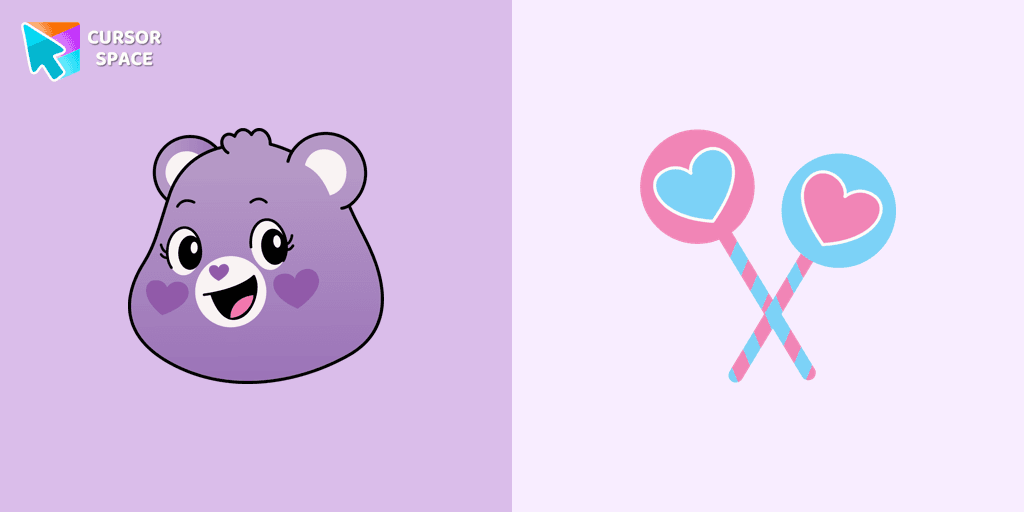
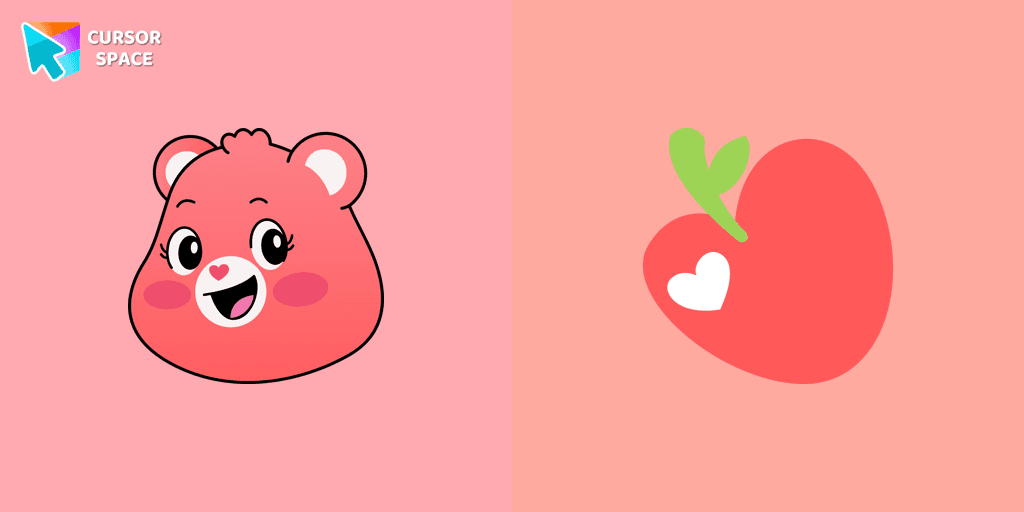
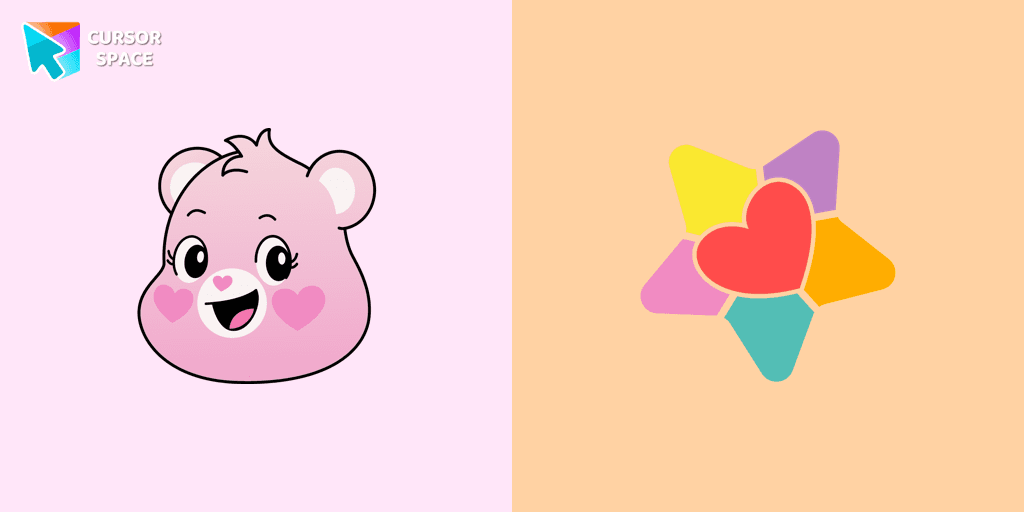
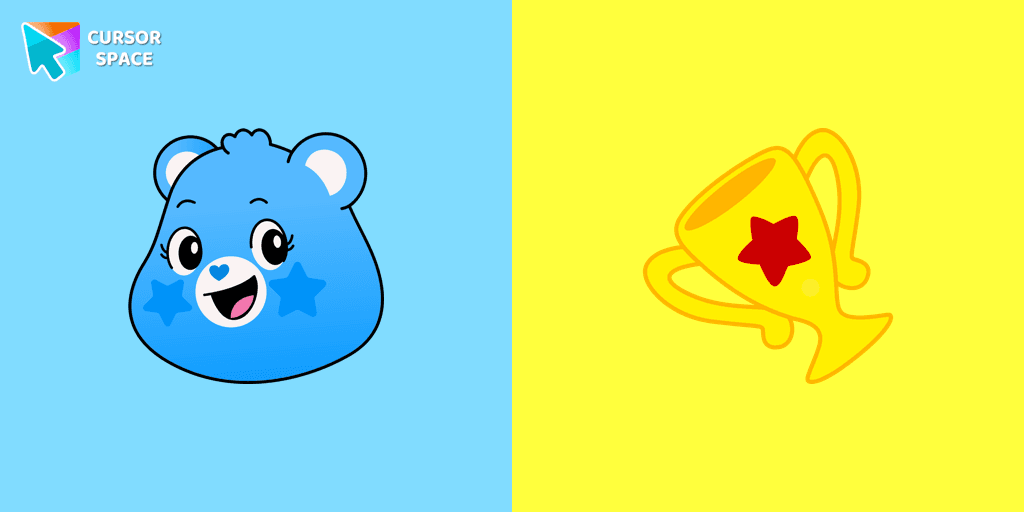
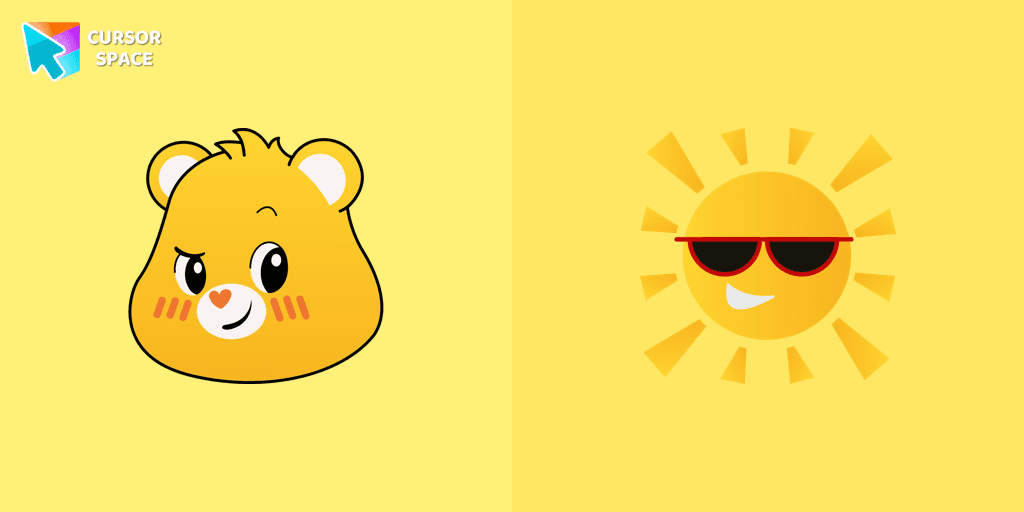
Harmony Bear is one of the most beloved characters from the Care Bears universe, known for spreading kindness, balance, and friendship. With her violet fur and a rainbow flower Belly badge, she symbolizes the beauty of unity and positivity. Whether you're a fan of the classic 80s cartoon or just love colorful, fun designs, the Harmony Bear cursor is the perfect way to add a touch of magic to your browsing experience.

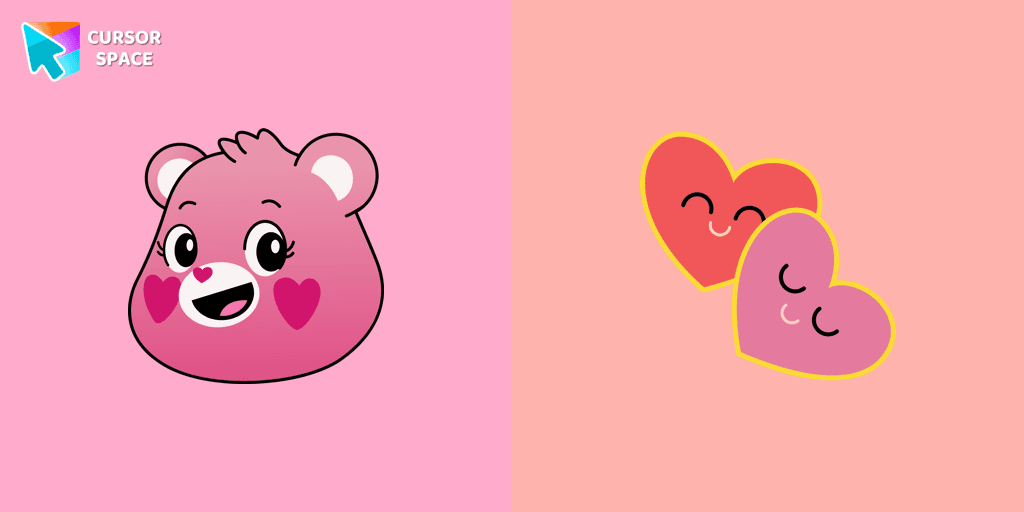
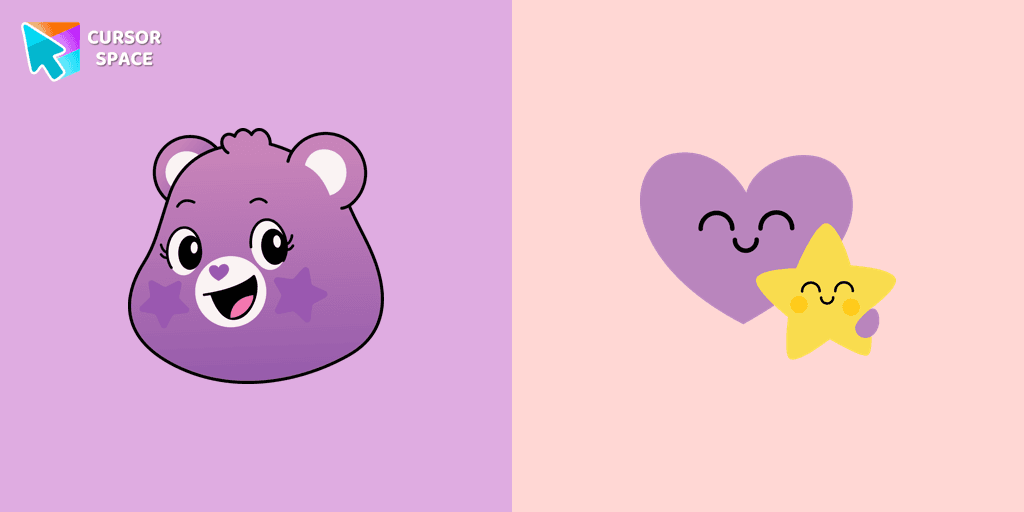
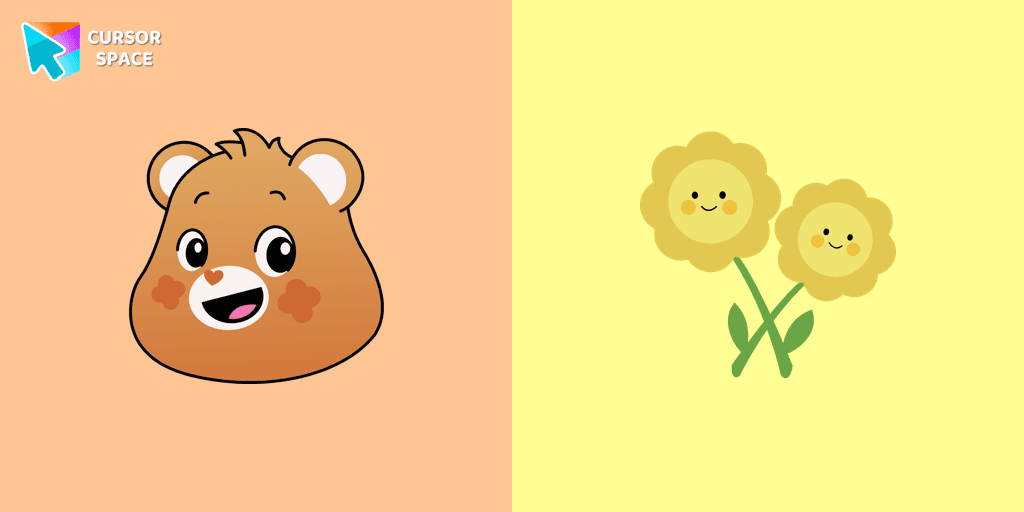
This animated cursor brings a playful, nostalgic feel to your screen, making every click more enjoyable. It’s part of a larger collection of themed cursors that allow users to customize their browsing experience with cute, colorful, and character-inspired designs. If you love Harmony Bear, you might also enjoy other Care Bears cursors like Cheer Bear, Good Luck Bear, Wish Bear, or Love-a-Lot Bear.

With just a few clicks, you can replace your default mouse pointer with this adorable, cartoon-style cursor. Whether you're working, browsing, or just having fun online, this fantasy cursor makes every moment more engaging and cheerful.

Let your inner Care Bear spirit shine and bring a little extra harmony to your screen. Install the Harmony Bear cursor now and make every click a reminder of friendship, joy, and positivity!

What's included in the package

  • Default Cursor
  • Pointer (Hand)

How to install a custom cursor pack Harmony Bear Cursor

  1. Install the Cursor Space extension for Chrome or Cursor Space for Edge in your browser.

  2. On this page, click "Add this cursor pack to the extension".

  3. Open the extension and go to the Packs tab.

  4. Find the custom cursor pack "Harmony Bear cursor" and click it.

  5. Enjoy!

Ready to install?

Get this cursor pack and thousands of others by installing our extension. It's fast and free!

About this cursor pack

Harmony Bear Cursor is a themed cursor pack you can add to your browser to personalize your pointer across common cursor states (default and pointer). Use it for everyday browsing, streaming, studying, or gaming-anywhere you want your cursor to match your vibe.

Instant preview

See how the cursors look before installing.

Easy install

Add the pack to the extension in a few clicks.

Works in your browser

Designed for Chrome and Edge via the extension.

FAQ

Quick answers to common questions about cursor packs, collections, and installation.

Do I need an extension?

Yes. To apply cursor packs in Chrome or Edge, install the Cursor Space extension and add this pack to it.

Which browsers are supported?

Cursor packs are designed for Chromium browsers like Chrome and Microsoft Edge.

How do I switch back to the default cursor?

Open the extension, choose another pack or disable the current one to return to your default cursor.

Popular cursors today

Custom cursor and packs - neon, anime, pixel art. Quickly add to Chrome and Microsoft Edge for free

  • Top 1
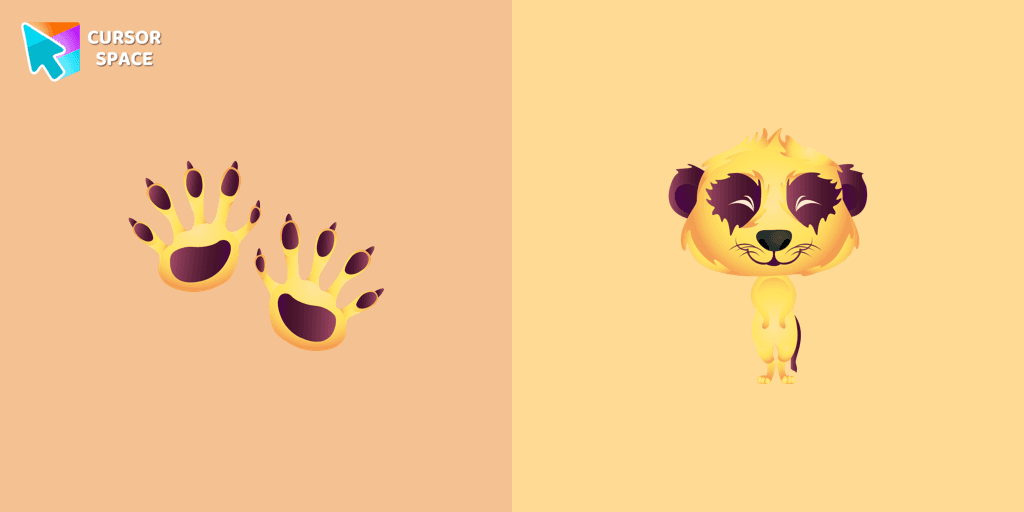
    Meerkat cursor

    Meerkat cursor

    0Free

    If you want to change your usual cursor to something cute, our meerkat cursor for mouse and pointer will be a good match for this job. Cute little meerkat cursor and pointer in our adorable custom cursors collection with animals.

  • Top 2
    Clefairy cursor

    Clefairy cursor

    0Free

    Cute Clefairy cursor and pointer in our adorable custom cursors collection with Pokemon.

  • Top 3
    Papaya cursor

    Papaya cursor

    0Free

    Juicy papaya cursor is illustrated for our Fruits Cursors custom cursors collection for Chrome. Slice of papaya as a cursor for the mouse and funny papaya pointer will look pretty nice on your screen.

  • Mango cursor

    Mango cursor

    0Free

    Merry mango cursor for mouse and pointer adds a fun mood to your everyday browsing the web. Funny fruits custom cursors collection for Chrome and its cursor with mango is here!

  • Menthuthuyoupi cursor

    Menthuthuyoupi cursor

    0Free

    If you want to change the default cursor to Menthuthuyoupi, you are welcome to our collection of cursors Hunter × Hunter in a variety of moods.

  • Glaceon cursor

    Glaceon cursor

    0Free

    There is a custom cursor with Glaceon as a hover in a set of Pokemon cursors for Chrome.

  • Uka cursor

    Uka cursor

    1Free

    This cutest, smallest, and youngest Ongis of the trinity is a custom cursor for mouse and pointers from the adorable custom cursors collection.

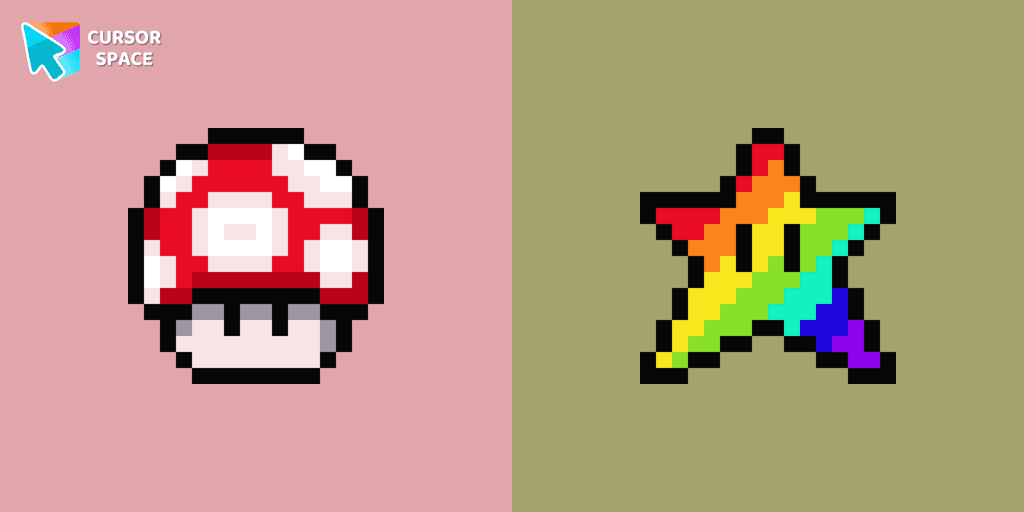
  • Super Mushroom Pixel cursor

    Super Mushroom Pixel cursor

    272Free

    Cute custom cursor with Super Mario includes a mouse cursor in the form of super mushroom and a hover pointer with the star.

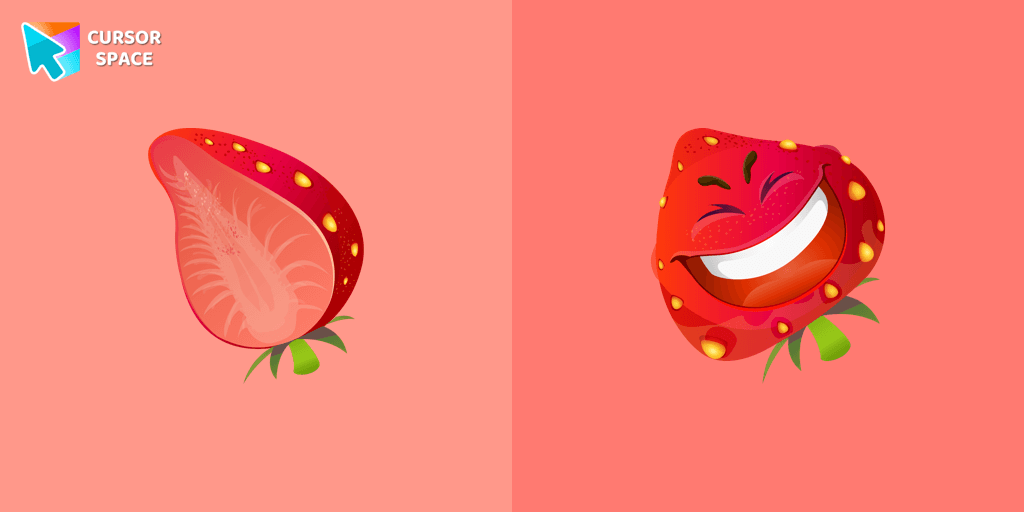
  • Strawberry cursor

    Strawberry cursor

    0Free

    The happy strawberry custom cursor for a mouse will definitely make you feel happy as well. Add a custom cursor with strawberry fruit from the funny fruits custom cursors collection for Chrome.

  • Shaiapouf cursor

    Shaiapouf cursor

    0Free

    Shaiapouf cursor for a mouse is a good fan art to decorate your browsing.

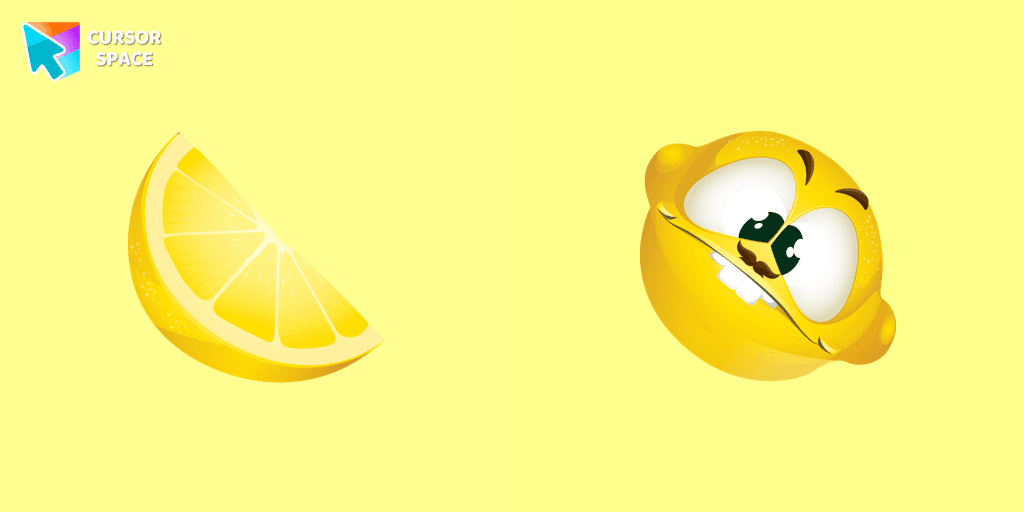
  • Lemon cursor

    Lemon cursor

    0Free

    The crazy lemon custom cursor for the browser is designed in a cute style and a bright color. Install custom cursor with a lemon from our funny fruits custom cursors collection for mouse and pointer.

  • Landry cursor

    Landry cursor

    72Free

    Landry pointer for mouse and a funny rubber duck cursor in our custom cursor collection for mouse and pointer in Hello Kitty design.

Collection hits

Installation leaders from "Care Bears": free packs, neon/anime/pixel art, quick add to Chrome and Edge.

Install Cursor Space - A Collection of Custom Cursors for Chrome & Edge

Add packs instantly and unlock access to thousands of cursors: neon, anime, pixel-art, and more. Fast, safe, and free.

  • Free cursor packs
  • HD/HiDPI & animated icons
  • Quick browser installation

Cursor Space is an extension for changing your mouse cursor in Chrome and Edge browsers: themed collections, HiDPI icons, neon, animated, and pixel cursors, with quick installation.