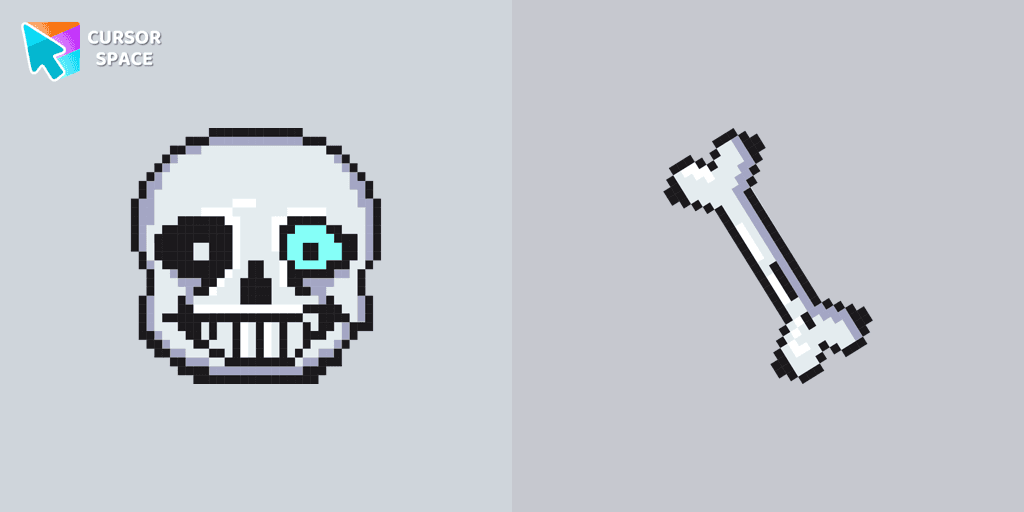
Undertale Sans Pixel cursor
158Free
Undertale Sans Pixel Cursor from our Cute Pixel custom cursors collection for Chrome was created especially for Halloween.
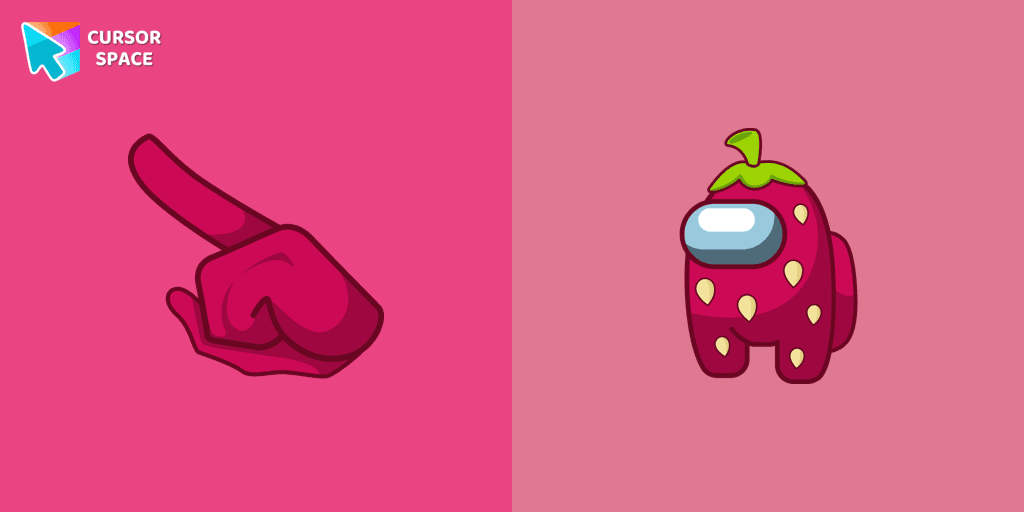
Are you looking for a custom cursor that's both cute and delicious? Look no further than the Among Us Strawberry Character cursor! This delightful cursor features an adorable strawberry character from Among Us, bringing sweetness and charm to your computer screen.
The Among Us Strawberry Character cursor is all about showcasing cuteness and playfulness. With its vibrant red color, cute eyes, and green stem, the strawberry character instantly captures the hearts of fans. The merging of this delightful fruit with the popular game Among Us creates a unique and endearing cursor that will brighten up your screen.
Install the Cursor Space extension for Chrome or Cursor Space for Edge in your browser.
On this page, click "Add this cursor pack to the extension".
Open the extension and go to the Packs tab.
Find the custom cursor pack "Among Us Strawberry Character cursor" and click it.
Enjoy!
Get this cursor pack and thousands of others by installing our extension. It's fast and free!
Among Us Strawberry Character Cursor is a themed cursor pack you can add to your browser to personalize your pointer across common cursor states (default and pointer). Use it for everyday browsing, streaming, studying, or gaming-anywhere you want your cursor to match your vibe.
See how the cursors look before installing.
Add the pack to the extension in a few clicks.
Designed for Chrome and Edge via the extension.
Quick answers to common questions about cursor packs, collections, and installation.
Yes. To apply cursor packs in Chrome or Edge, install the Cursor Space extension and add this pack to it.
Cursor packs are designed for Chromium browsers like Chrome and Microsoft Edge.
Open the extension, choose another pack or disable the current one to return to your default cursor.
Custom cursor and packs - neon, anime, pixel art. Quickly add to Chrome and Microsoft Edge for free
Undertale Sans Pixel Cursor from our Cute Pixel custom cursors collection for Chrome was created especially for Halloween.
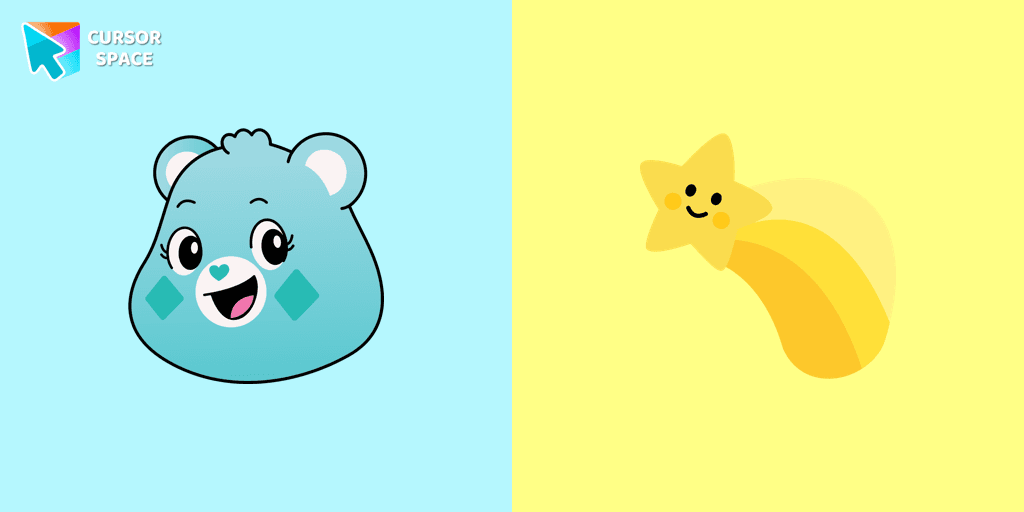
A yellow shooting star as a cursor for the mouse and a Wish Bear pointer will look pretty nice on your screen.
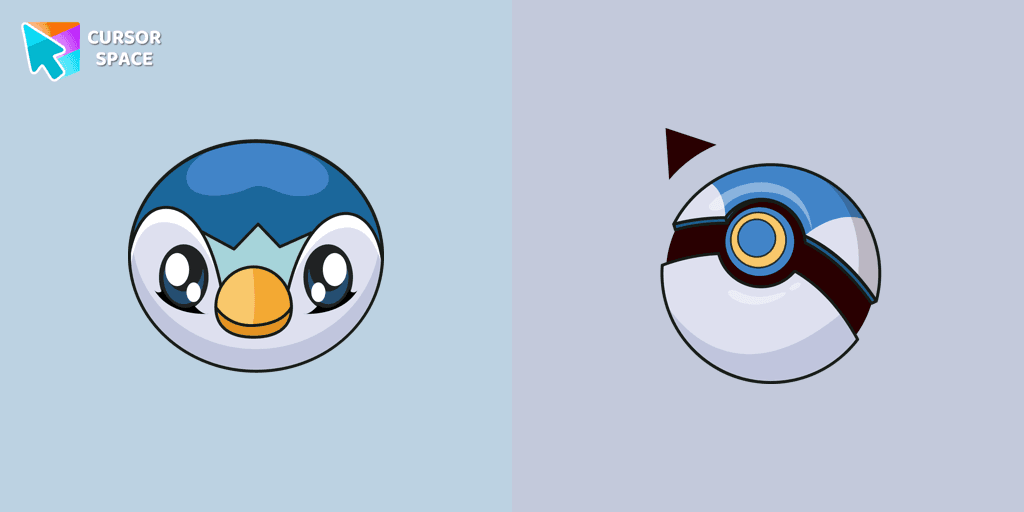
In our cute custom cursors collection Pokemon, we have illustrated a Piplup as a custom cursor for a browser in a nice art.
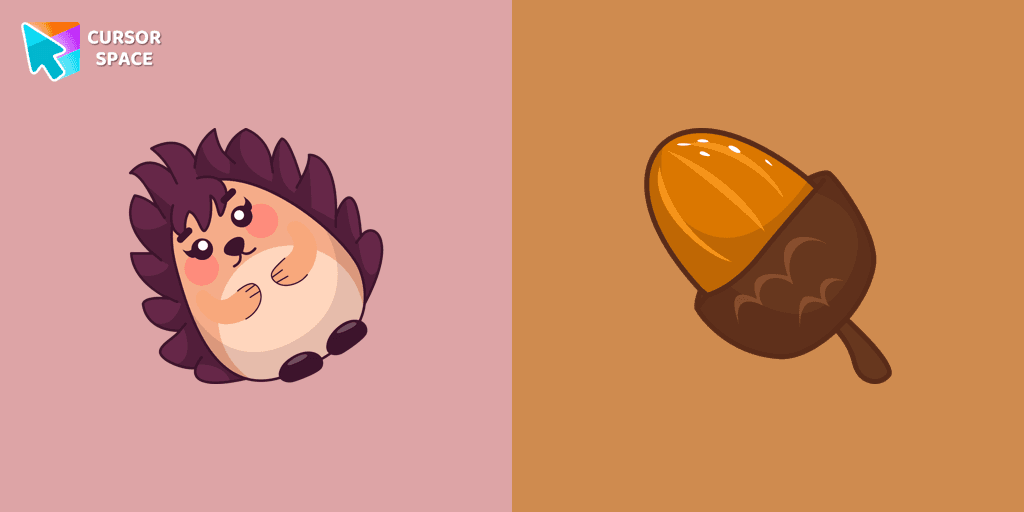
Kawaii Hedgehog cute cursor for a mouse and acorn hover comes together with the custom cursor with Kawaii Hedgehog.
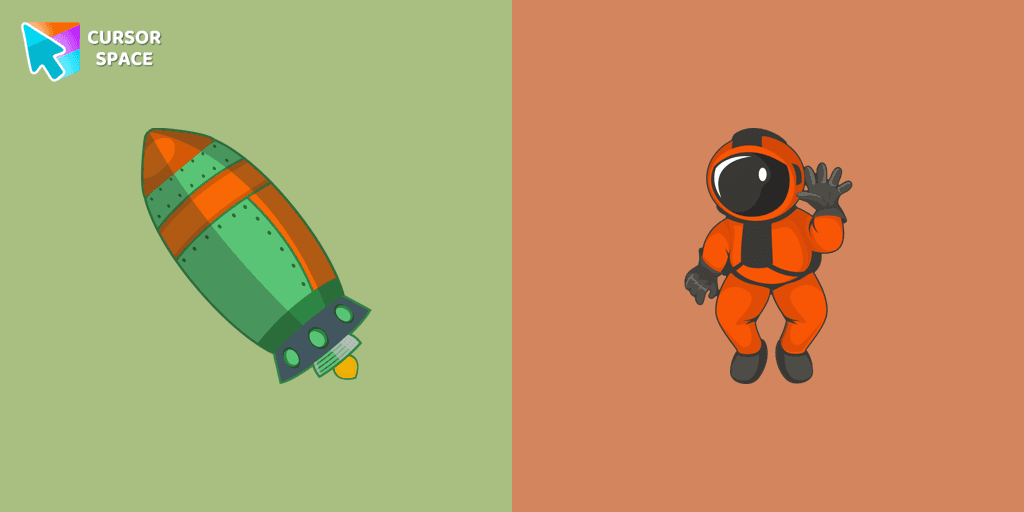
The astronaut squad needs a new member, maybe you would like to join it? A well-designed custom cursor in the shape of a spaceship from our collection of cursors with the planets of the solar system.
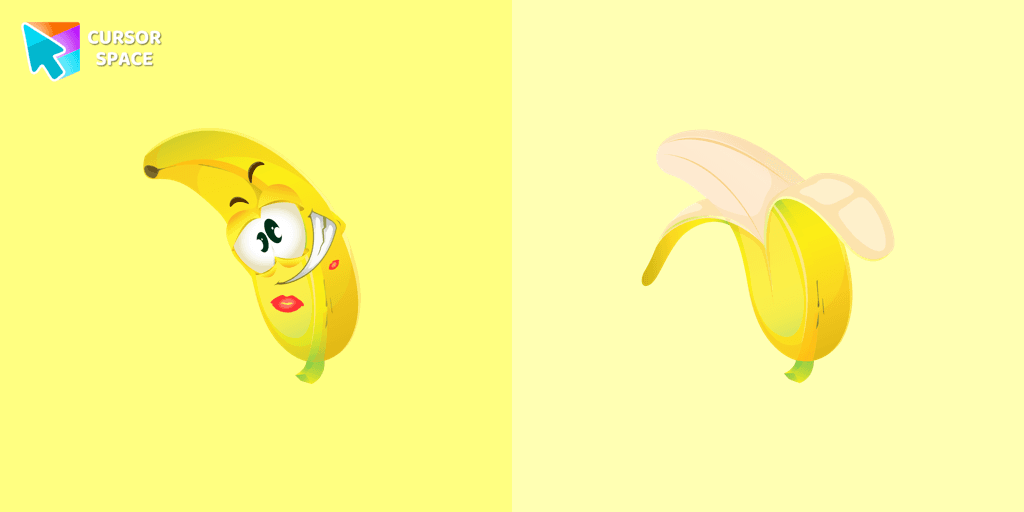
Banana cursor in a stylish summer presentation will definitely create a good vibe on your screen. Custom cursor with banana in our incredible funny fruits custom cursors collection for Chrome.
Installation leaders from "Among Us cursors": free packs, neon/anime/pixel art, quick add to Chrome and Edge.
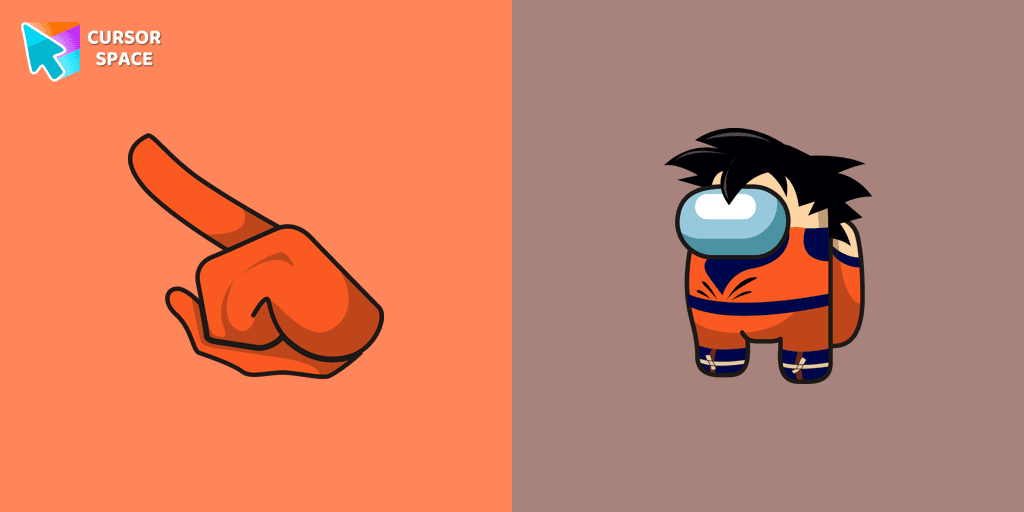
The Among Us Son Goku Character cursor is an exciting addition to the browser cursor collection.
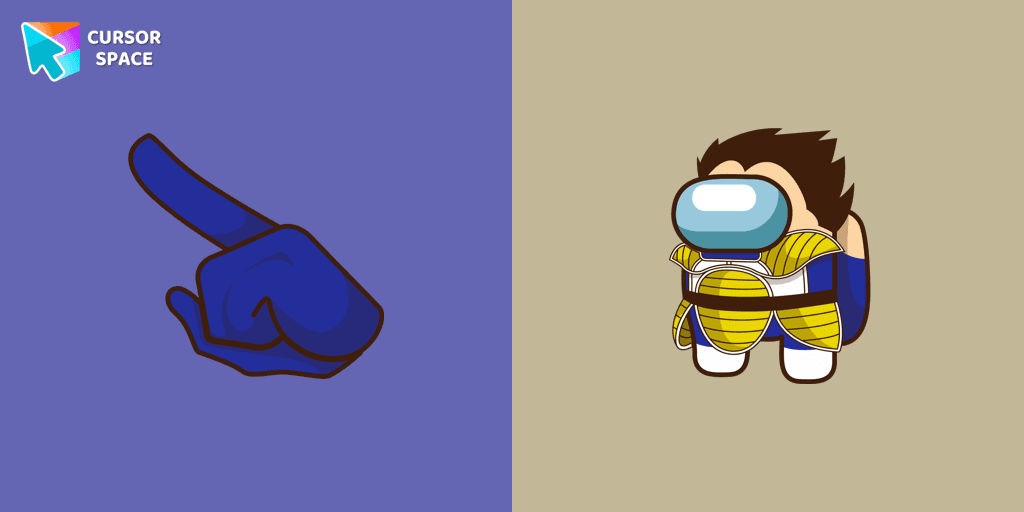
Add a dynamic touch to your browsing with the Among Us Vegeta custom cursor for Google Chrome. Perfect for Dragon Ball and Among Us fans!

Introducing the Cute Among Us Kakashi Hatake Character Cursor: A Perfect Blend of Two Favorites!
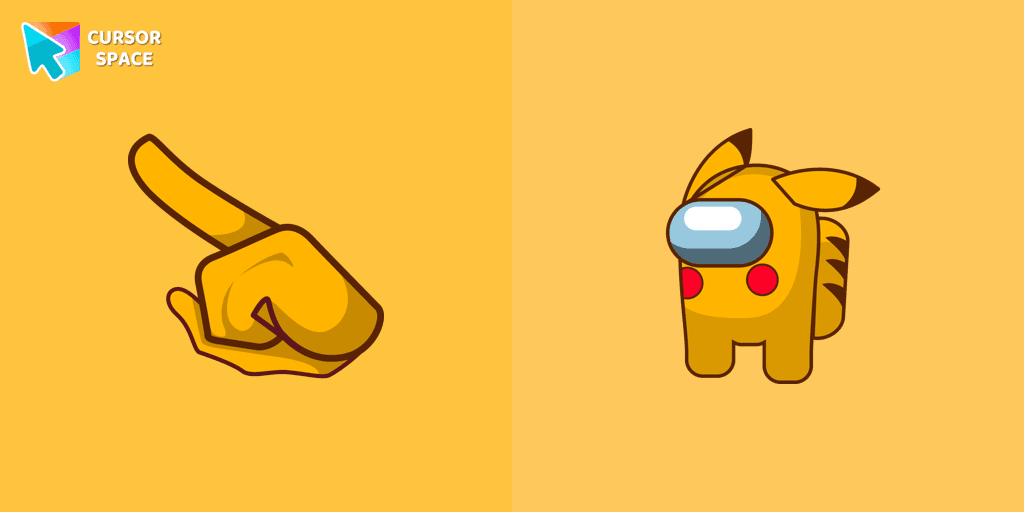
Add a touch of fun to your browsing with a custom cursor for Google Chrome featuring vibrant orange Pokémon characters like Charmander and Infernape.
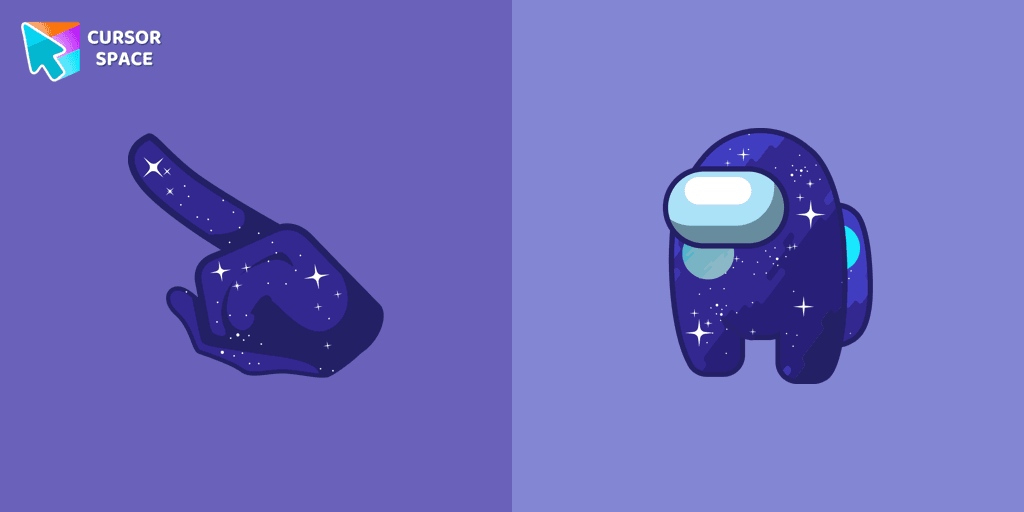
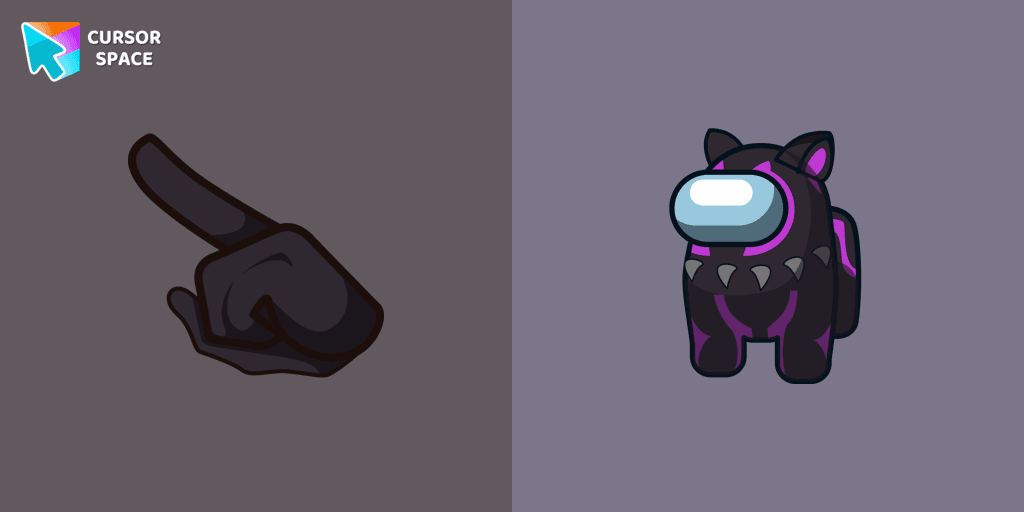
The Black Panther character cursor has become a highly sought-after customization option in Among Us.
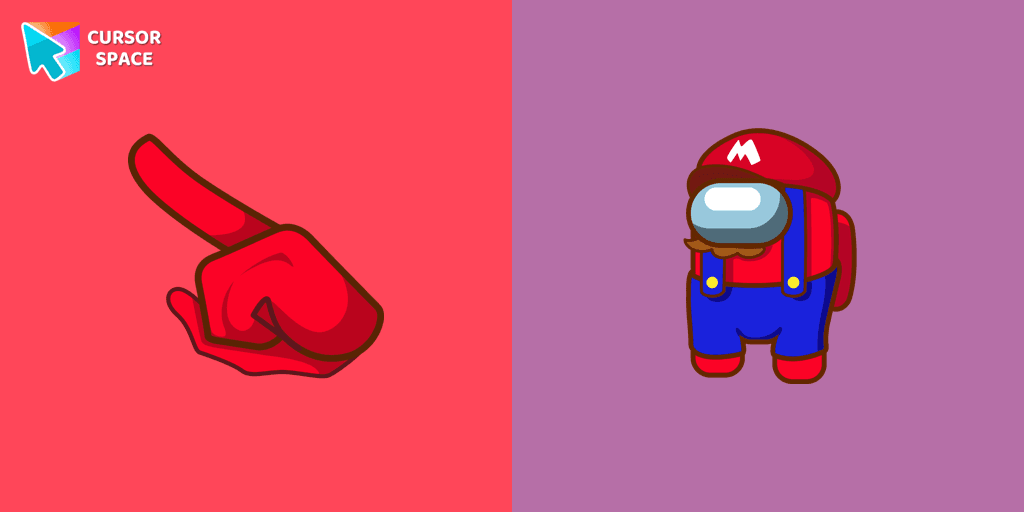
In the vast array of cursors available, let's not overlook the vibrant red Super Mario characters.
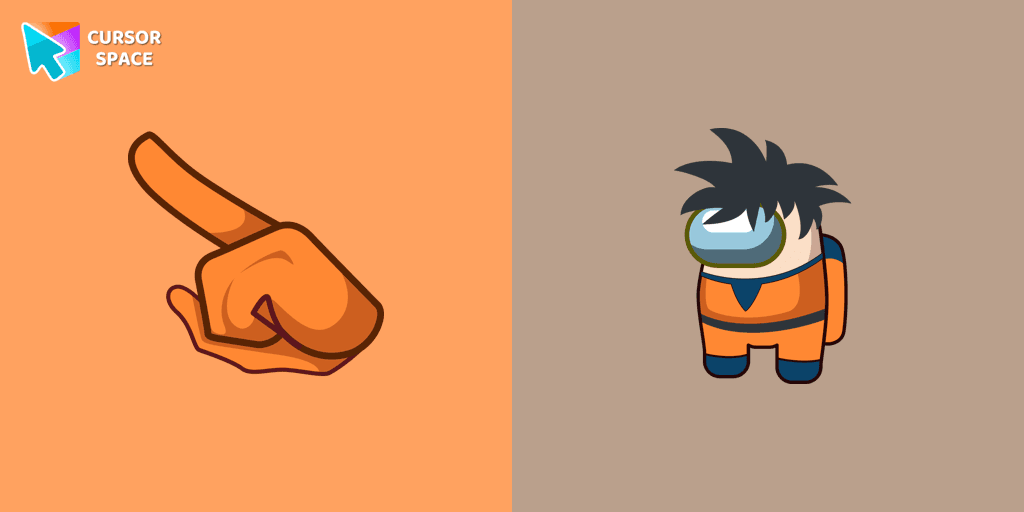
Enter the World of Dragon Ball with the Among Us Son Goku Character Cursor
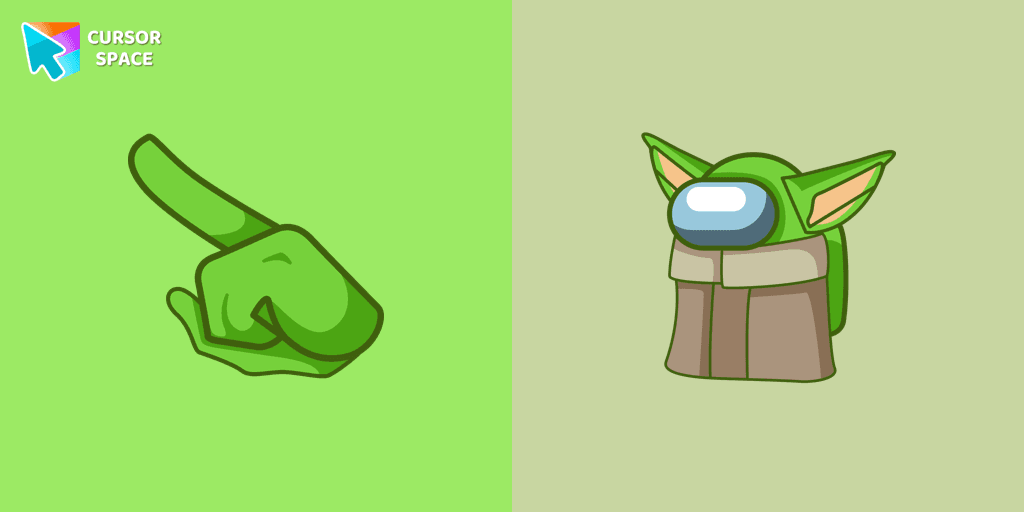
Among Us Baby Yoda Character Cursor - Unleashing the Cuteness and Mischief in Outer Space
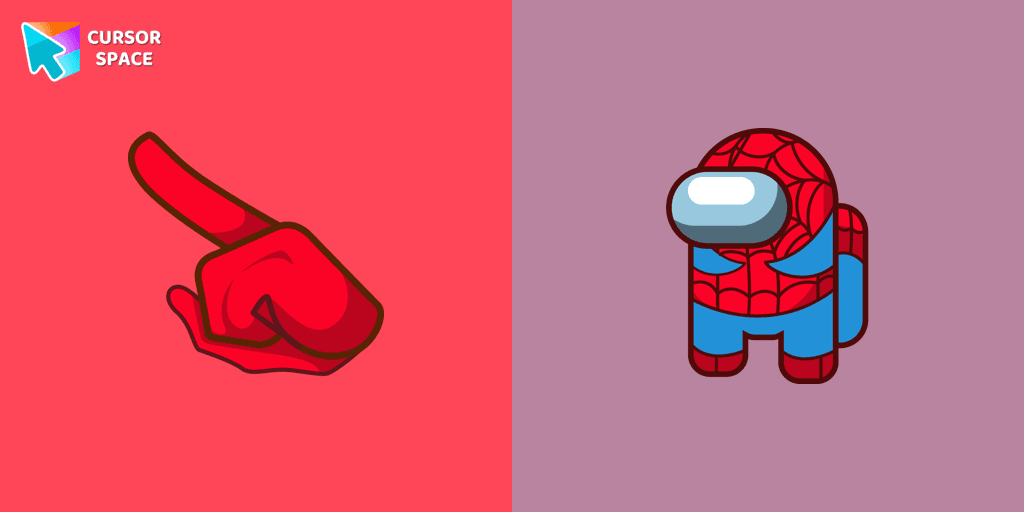
Swing into Action with the Among Us Spider-Man Character Cursor
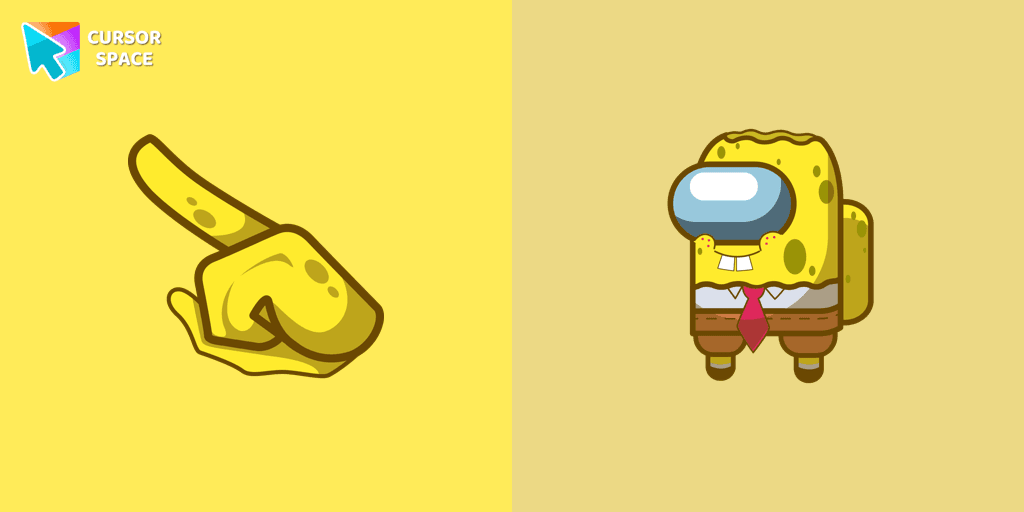
Our collection of custom cursors for Chrome now features the Among Us Spongebob Character cursor.
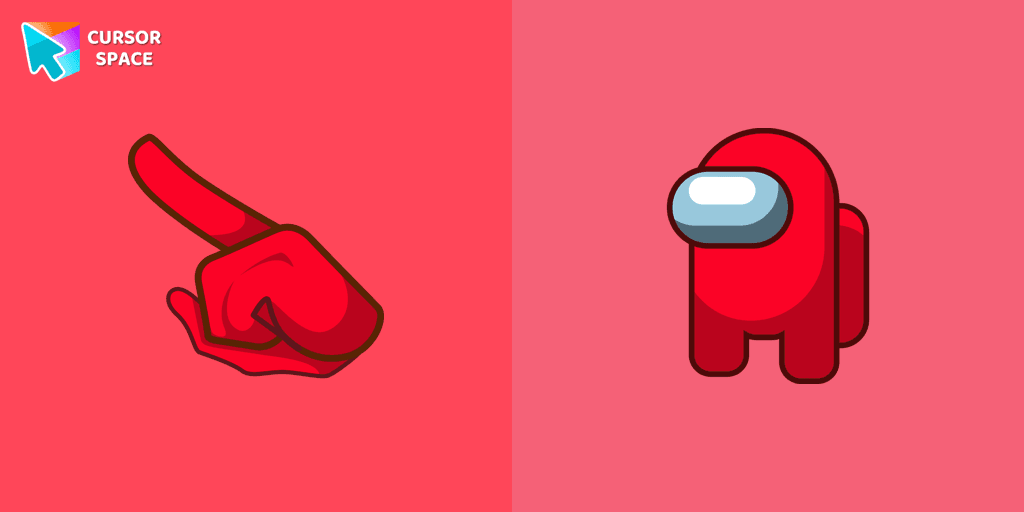
Among Us players have the option to select from a variety of colors to customize their in-game characters. In fact, there are 18 different hues available for selection in the game lobby.
Add packs instantly and unlock access to thousands of cursors: neon, anime, pixel-art, and more. Fast, safe, and free.
Cursor Space is an extension for changing your mouse cursor in Chrome and Edge browsers: themed collections, HiDPI icons, neon, animated, and pixel cursors, with quick installation.